Title here
Summary here
Import the stylesheet once in your entry point:
import "@wetron/react/styles.css";import { ModelGraphView } from "@wetron/react";
<ModelGraphView
graph={graph} // ModelGraph - required
onTargetClick={setSelected} // (target: PanelTarget) => void
colorMode="system" // "light" | "dark" | "system" (default: "system")
onWarnings={(w) => console.warn(w)} // called when graph has parse warnings
selectedEdgeTensorName={null} // highlights the matching edge
searchQuery="" // dims nodes that don't match the query
/>;Renders the full interactive graph. Nodes are coloured by operator category. Click a node or edge to receive a PanelTarget you can pass to NodePropertyPanel.
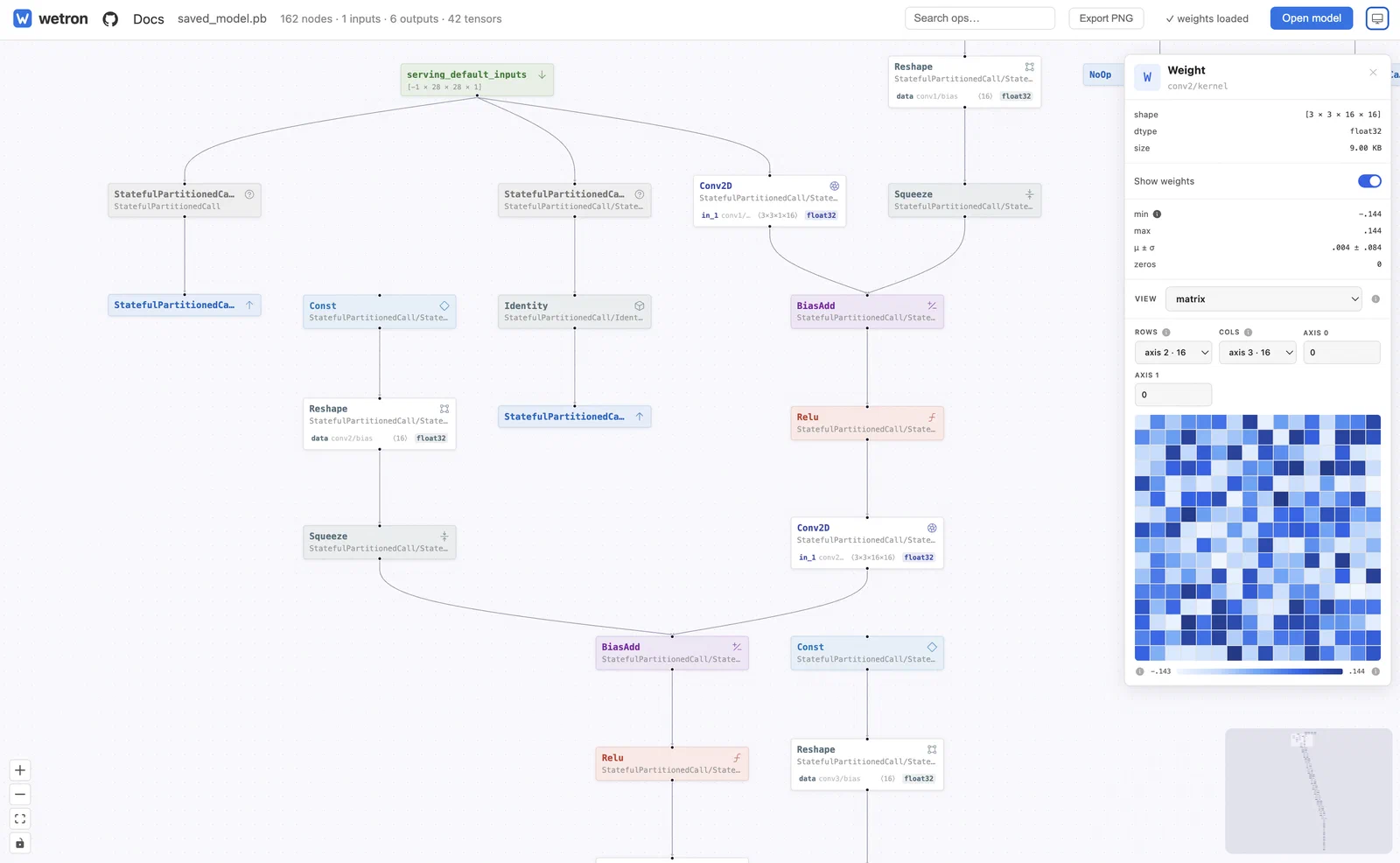
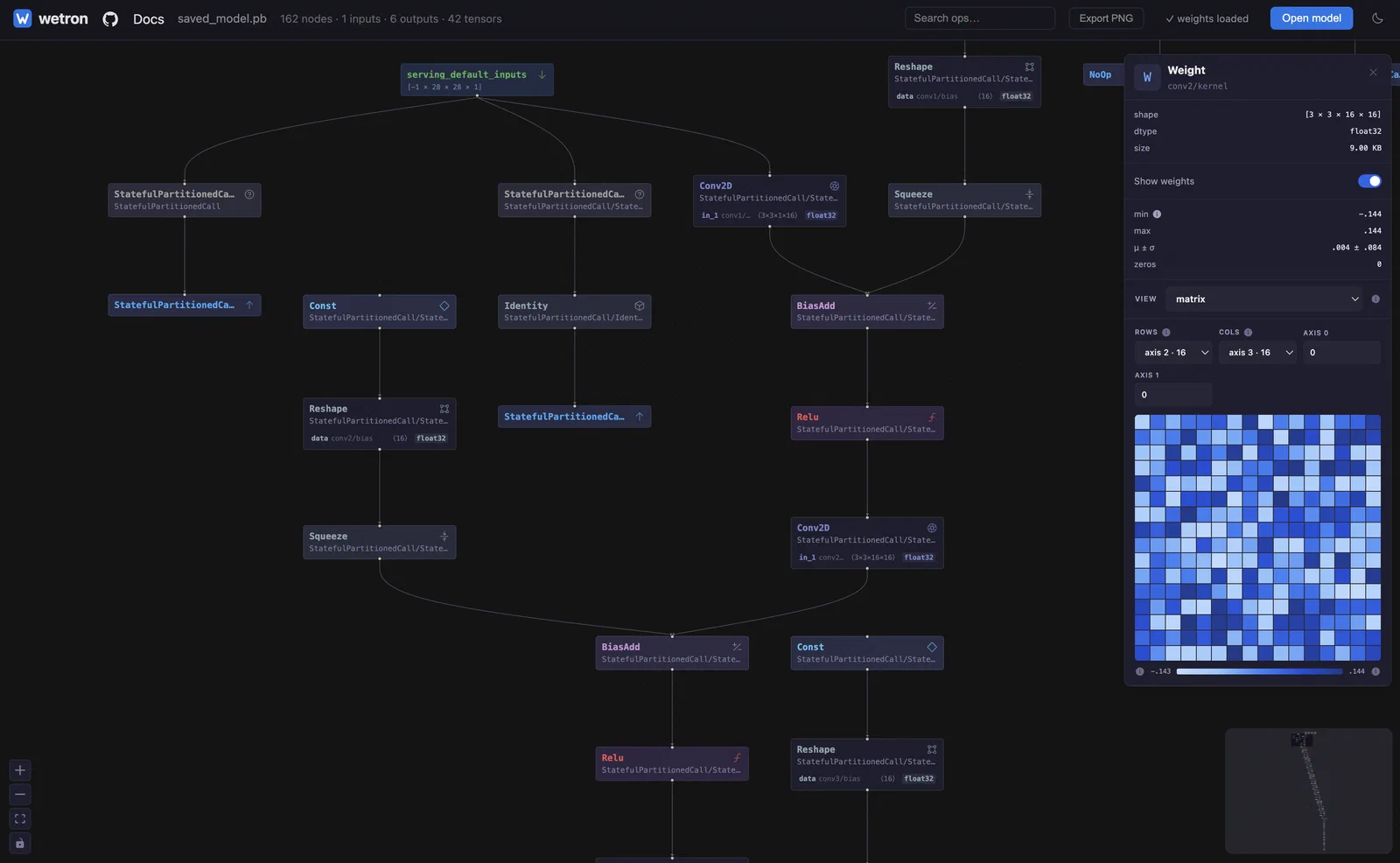
| Prop | Type | Description |
|---|---|---|
graph | ModelGraph | Required. The parsed model graph. |
onTargetClick | (target: PanelTarget) => void | Called when a node or edge is clicked. |
colorMode | "light" | "dark" | "system" | Theme. "system" follows prefers-color-scheme. |
onWarnings | (warnings: readonly ParseWarning[]) => void | Called when the graph has parse warnings. |
selectedEdgeTensorName | string | null | Highlights the matching edge. |
searchQuery | string | Dims nodes that don’t match the query. |
import { NodePropertyPanel } from "@wetron/react";

<NodePropertyPanel
  target={selected} // PanelTarget | null - null renders nothing
  graph={graph} // ModelGraph - enables the weight panel for initializer tensors
  colorMode="system"
  opsets={graph?.opsets} // ReadonlyMap<string, number> - ONNX domain versions
  tensorShapes={graph?.tensorShapes} // shape info for edge panels
  onTensorClick={(name) => {}} // called when a tensor name chip is clicked
  onBack={() => {}} // shows a back arrow when provided
  onClose={() => setSelected(null)} // shows a close button when provided
/>;| Prop | Type | Description |
|---|---|---|
target | PanelTarget | null | Selected node, edge, or tensor. null renders nothing. |
graph | ModelGraph | Required to render the weight panel for initializer tensors. Omit to disable that panel. |
colorMode | "light" | "dark" | "system" | Theme. "system" follows prefers-color-scheme. |
opsets | ReadonlyMap<string, number> | Op domain -> version (ONNX only). Shown in node header. |
inputSources | ReadonlyMap<string, string> | Tensor name -> producing op type. Used to colour input chips. |
tensorShapes | ReadonlyMap<string, { shape, dtype }> | Shape info for edge panels. |
onTensorClick | (name: string) => void | Called when a tensor name chip is clicked. |
onBack | () => void | Shows a back arrow when provided. |
onClose | () => void | Shows a close button when provided. |
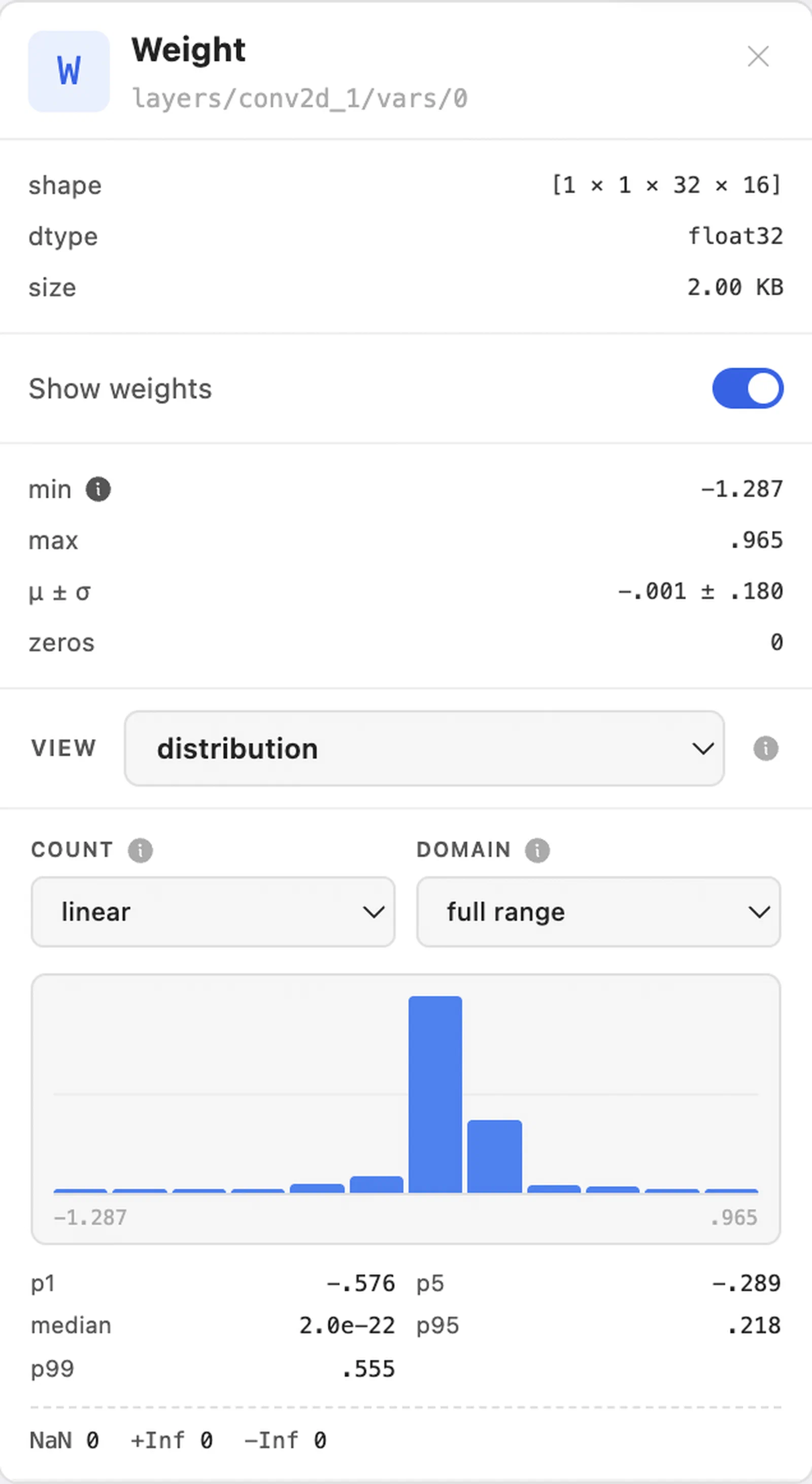
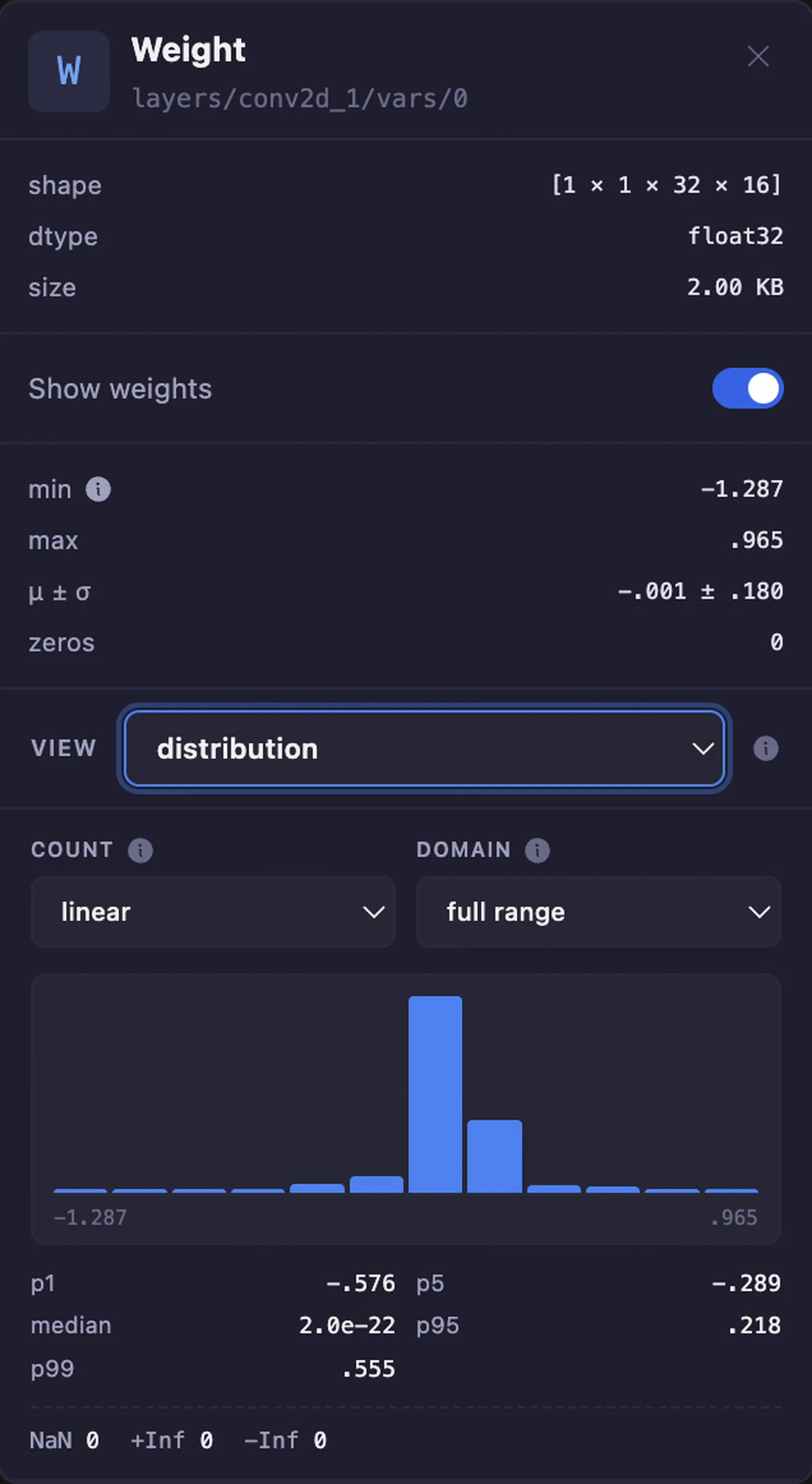
When target resolves to an initializer tensor (a name present in graph.initializers) and graph is supplied, the panel switches to the weight panel. It auto-enables decoding for models where fileSizeBytes <= 20MB and graph.weights.kind === "available", and offers an explicit “Show weights” toggle for larger files. The toggle is disabled for weights.kind === "external"; the panel identifies whether SavedModel checkpoint files or ONNX external data are required.
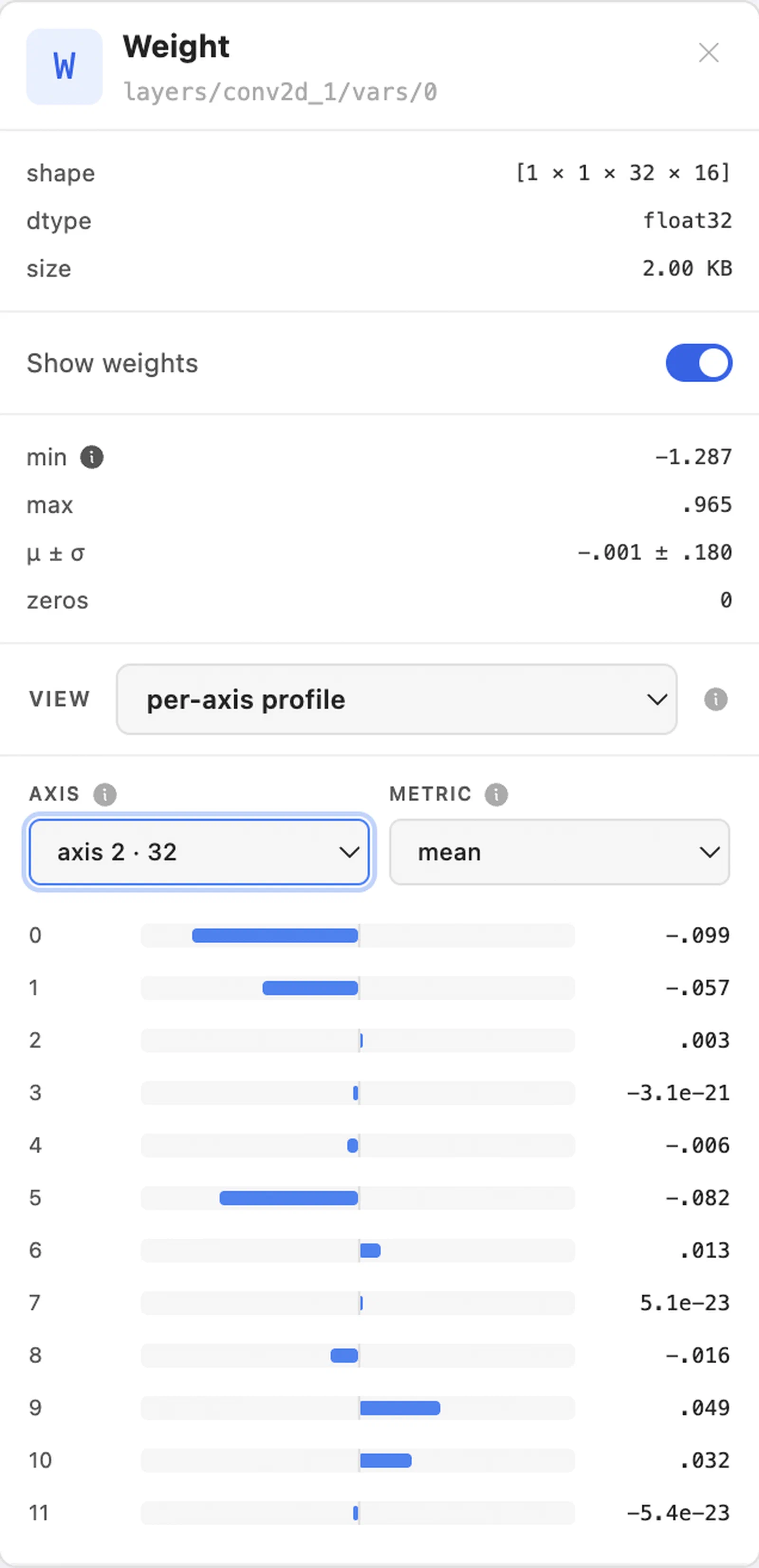
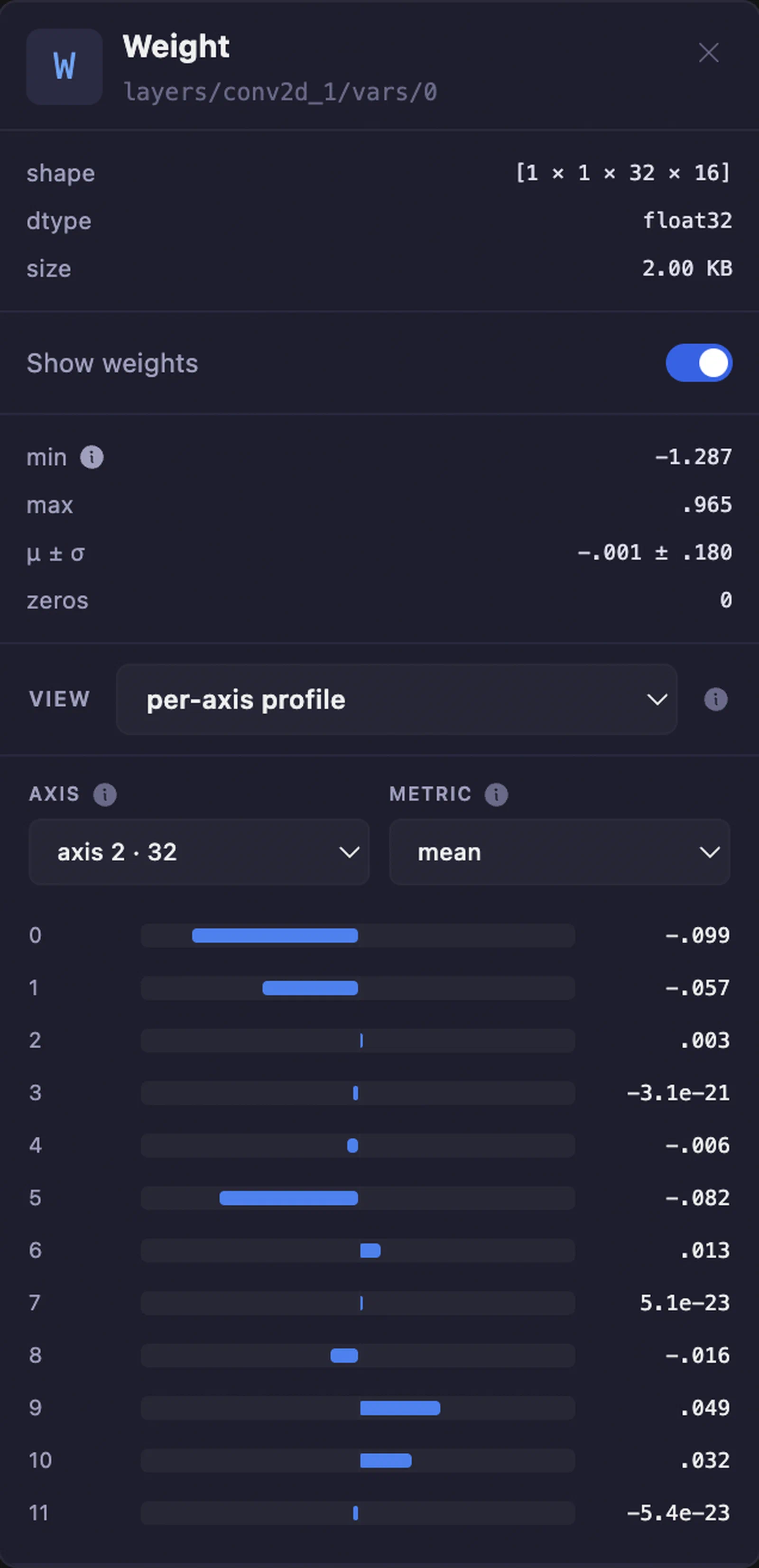
The panel uses decodeWeight and computeStats from @wetron/core internally. The summary block above the view picker - min, max, μ ± σ, zeros - is computed over every decoded value and does not change when you switch views. See
Weights for the underlying WeightStats.
Below the summary block, DefaultWeightInspectors renders a view picker and the selected inspector. Which views are offered depends on the tensor’s rank and dtype:
| View | WeightInspectorName | Offered when | Shows |
|---|---|---|---|
| matrix | matrix | rank ≥ 2 | Heatmap of a 2-D slice. Cells are block means, not individual weights. |
| distribution | distribution | always | Histogram of every decoded value, with percentiles and non-finite counts. |
| per-axis profile | axis | rank ≥ 1 | One metric per index along an axis: mean, std, L1, L2, max-abs, or zero-ratio. |
| sparsity | sparsity | always | Where the zeros are. Structured blocks are prunable; scattered zeros are not. |
| kernel gallery | kernel | rank 4, all dims > 0 | Each output filter’s spatial kernel at one input channel, under a chosen layout. |
| quantization | quantization | dtype Q4_0 | How the encoded blocks use their code space, before dequantization. |
| diagnostics | diagnostics | rank ≥ 1 | Automated checks for non-finite, constant, and outlier slices. |
| values | values | always | Raw decoded values in flattened memory order. |
Tensors of rank ≥ 2 open on matrix; everything else opens on distribution.
Each inspector is also exported on its own (MatrixInspector, DistributionInspector, AxisProfileInspector, SparsityInspector, KernelGalleryInspector, QuantizationInspector, DiagnosticsInspector, ValuesInspector) and reads the decoded tensor from the surrounding weight-inspection context.
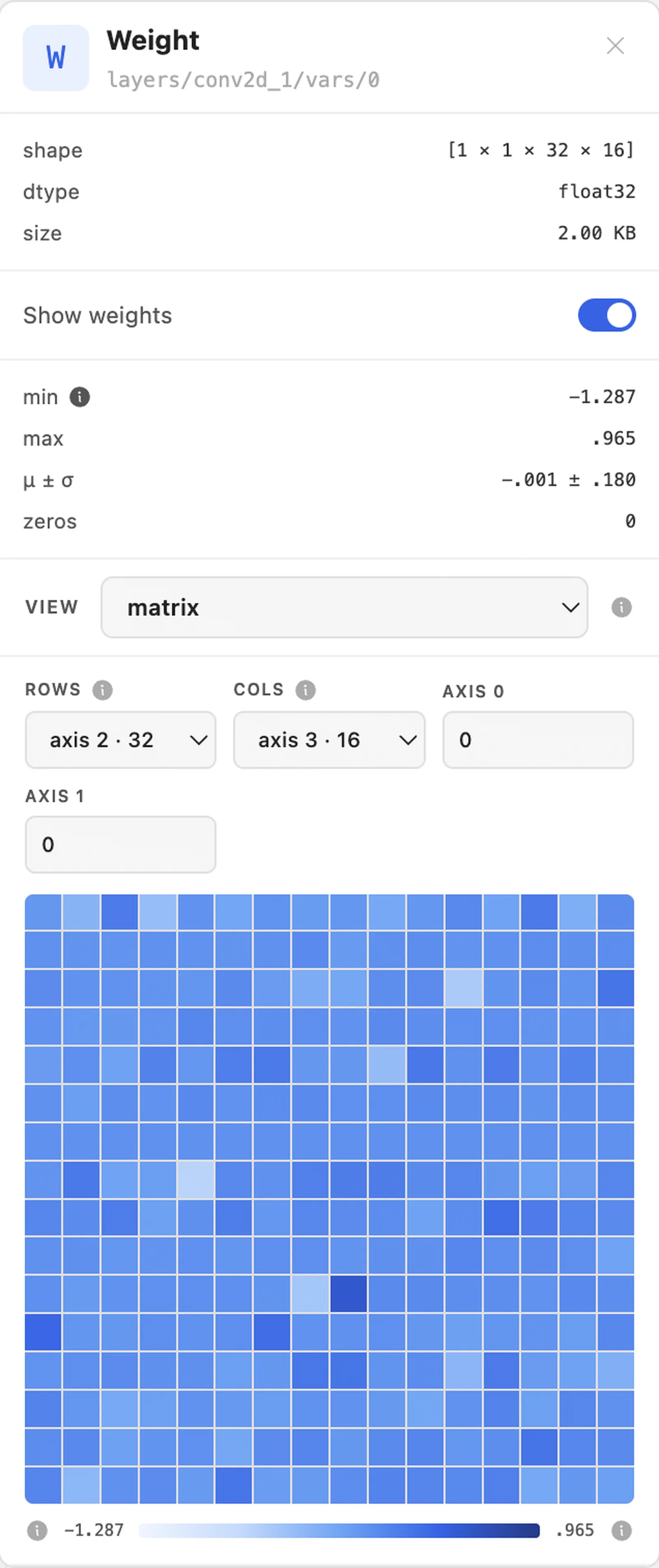
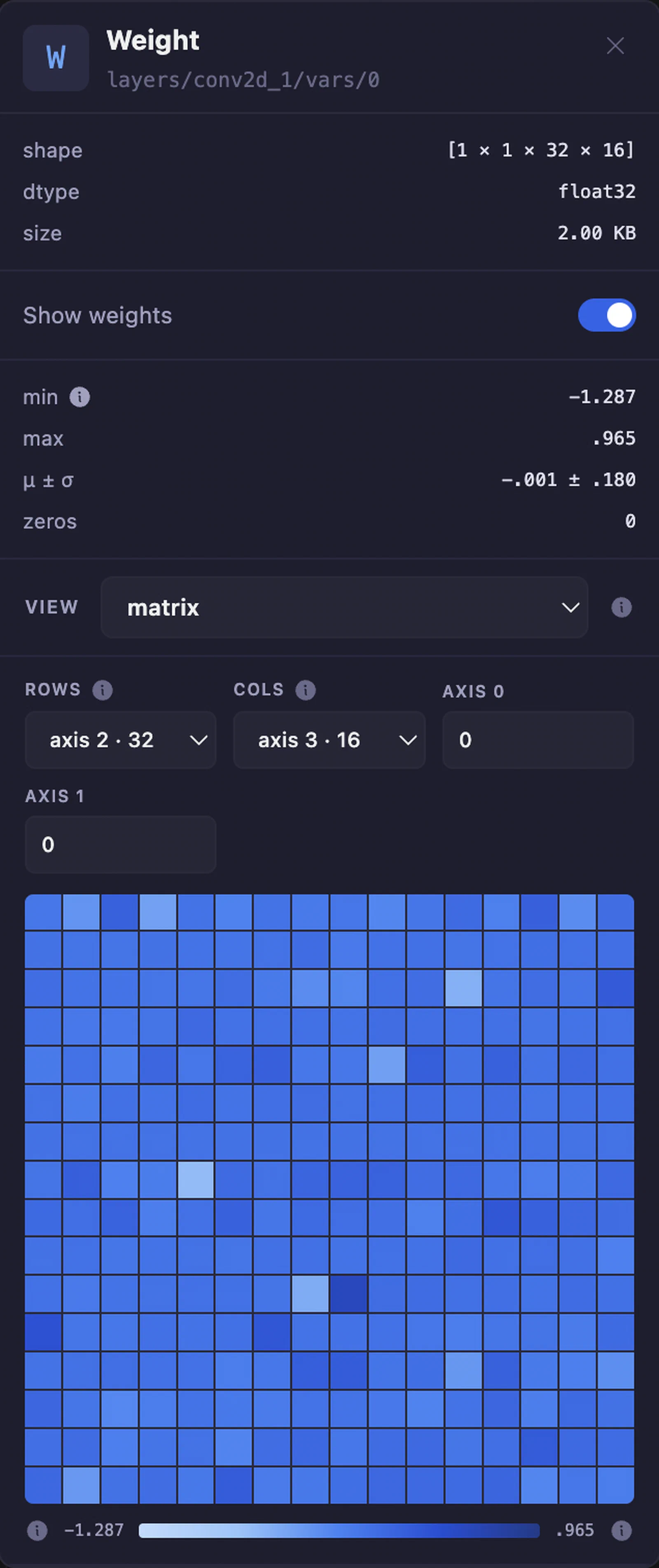
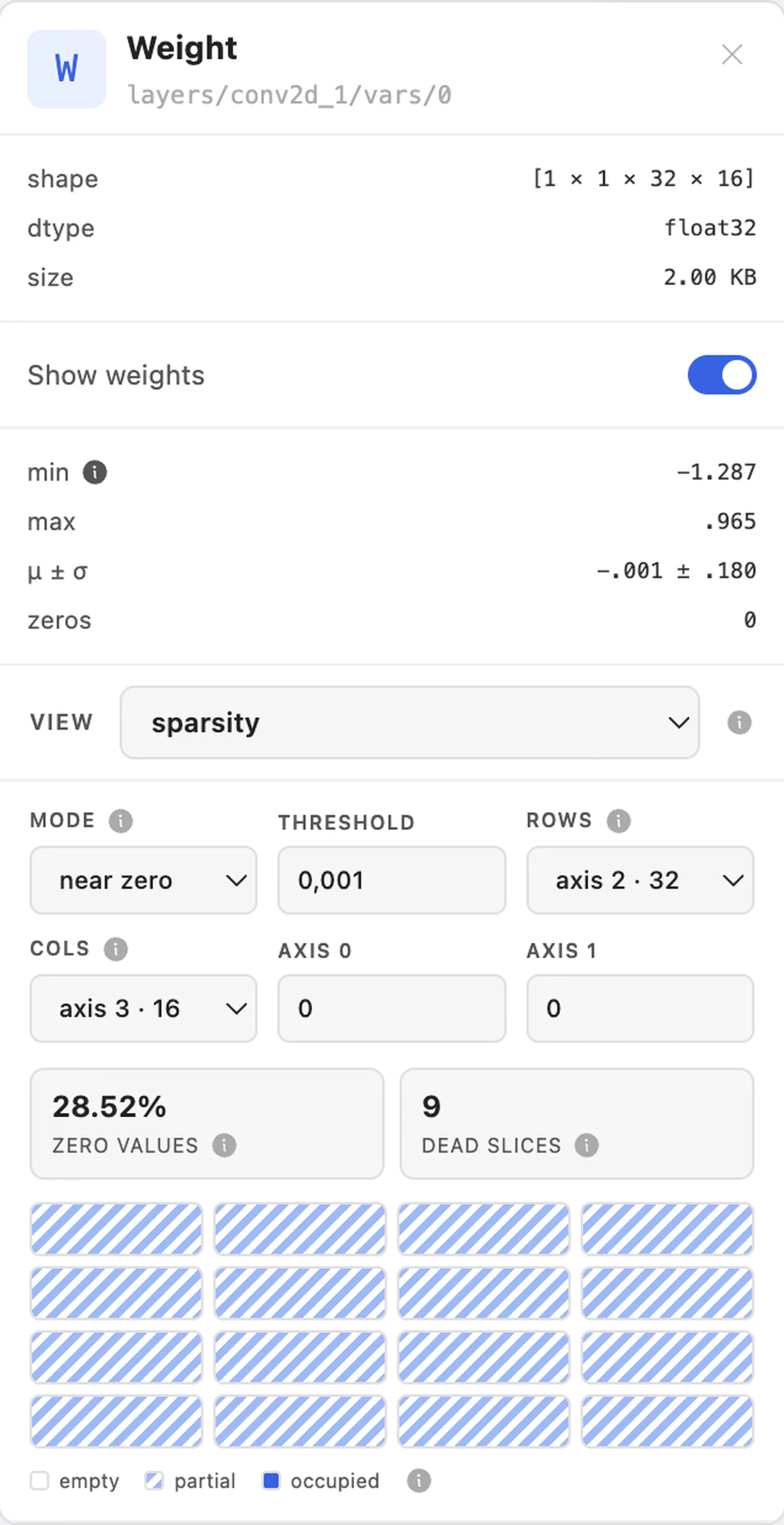
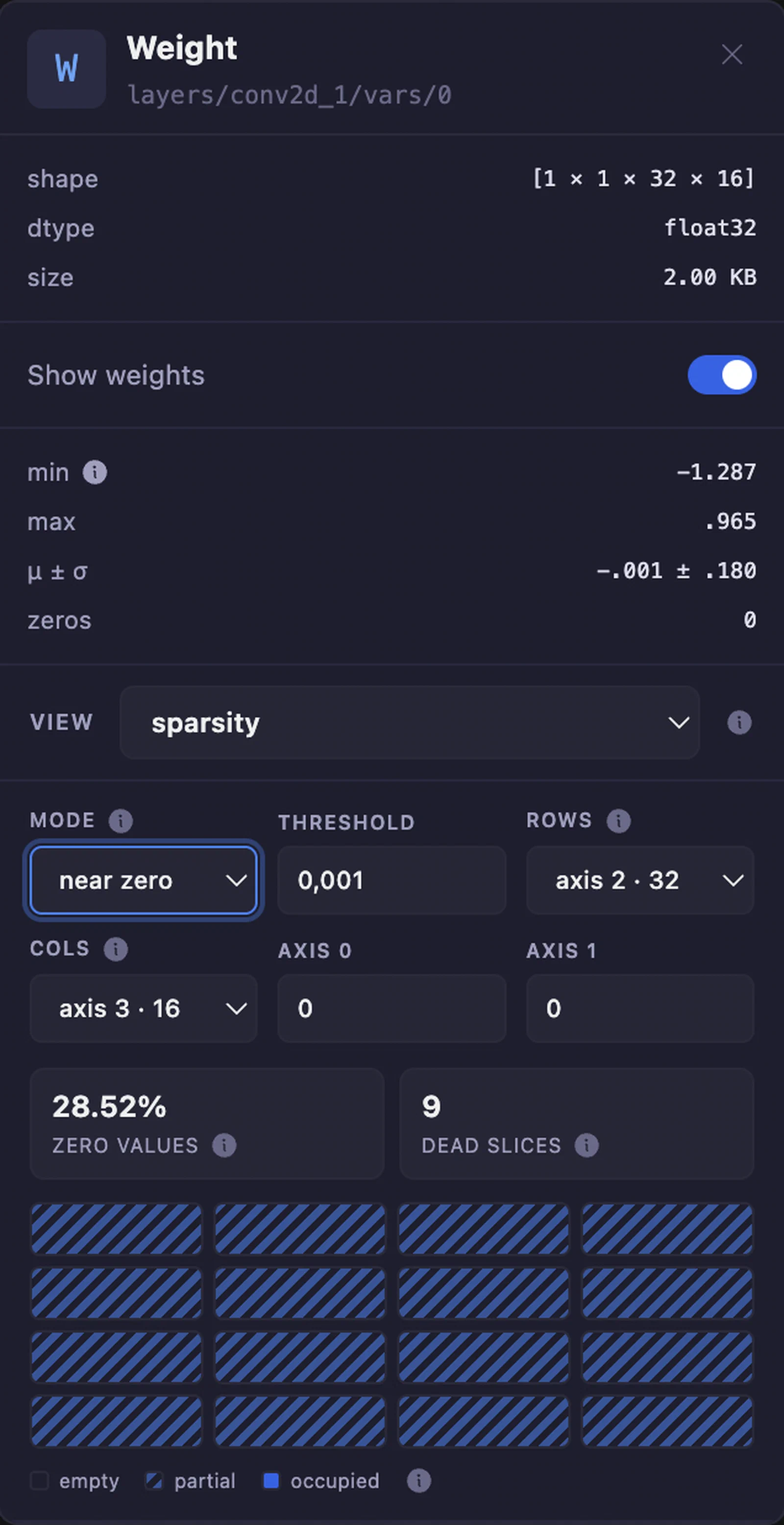
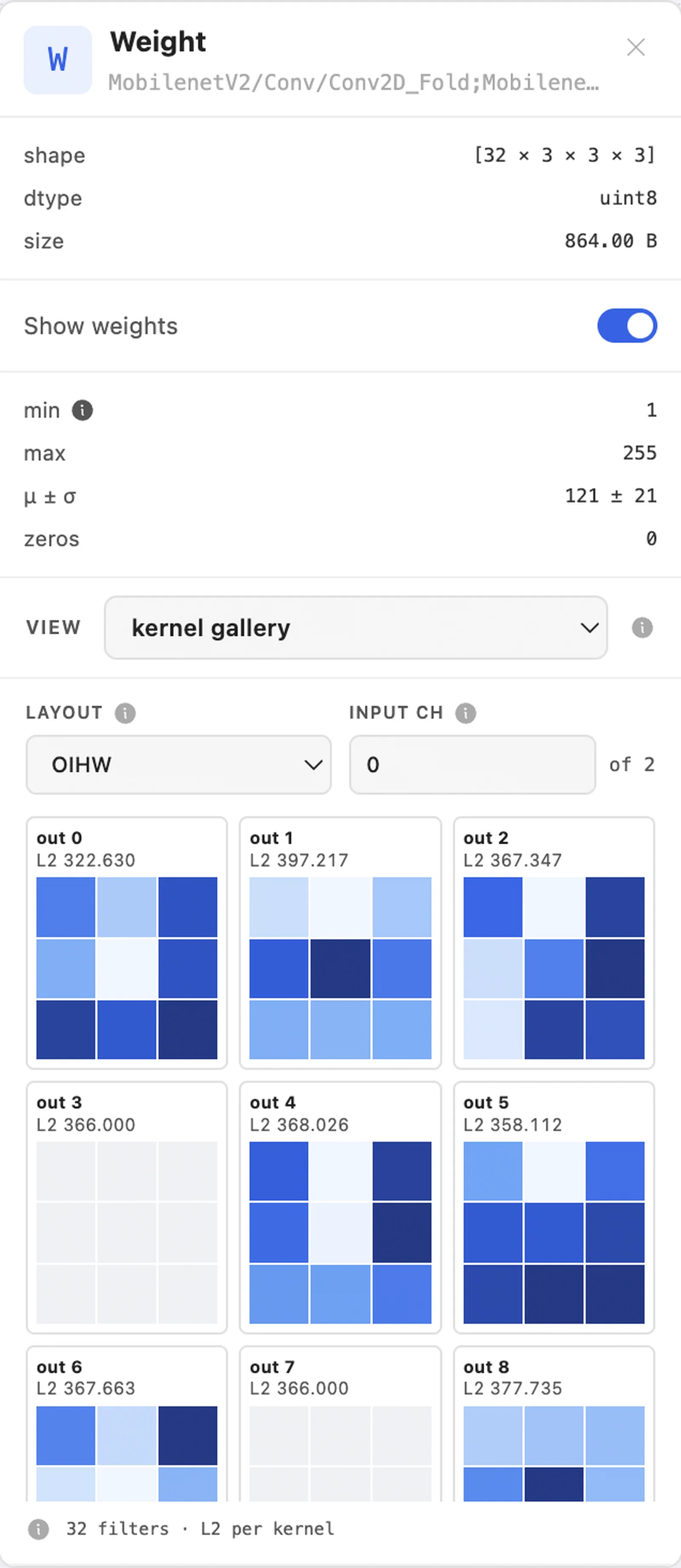
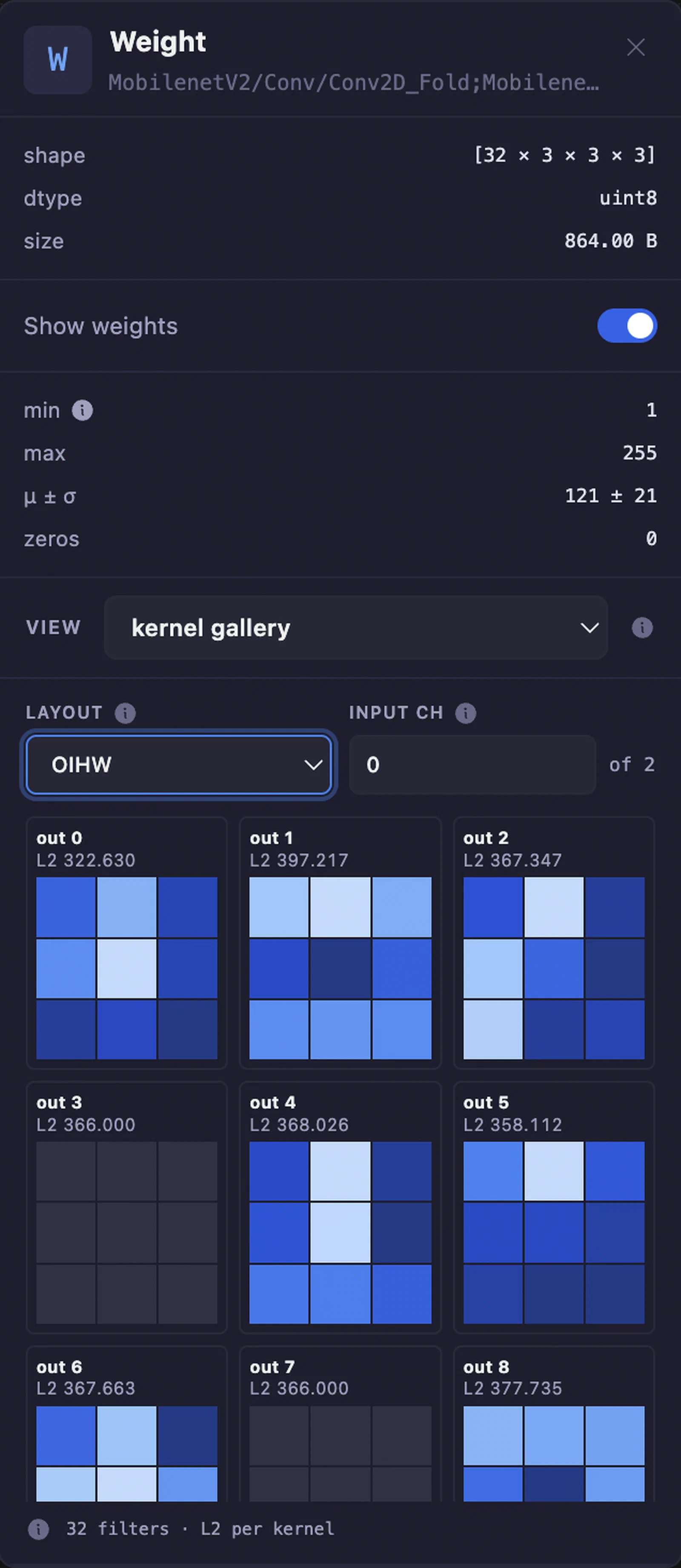
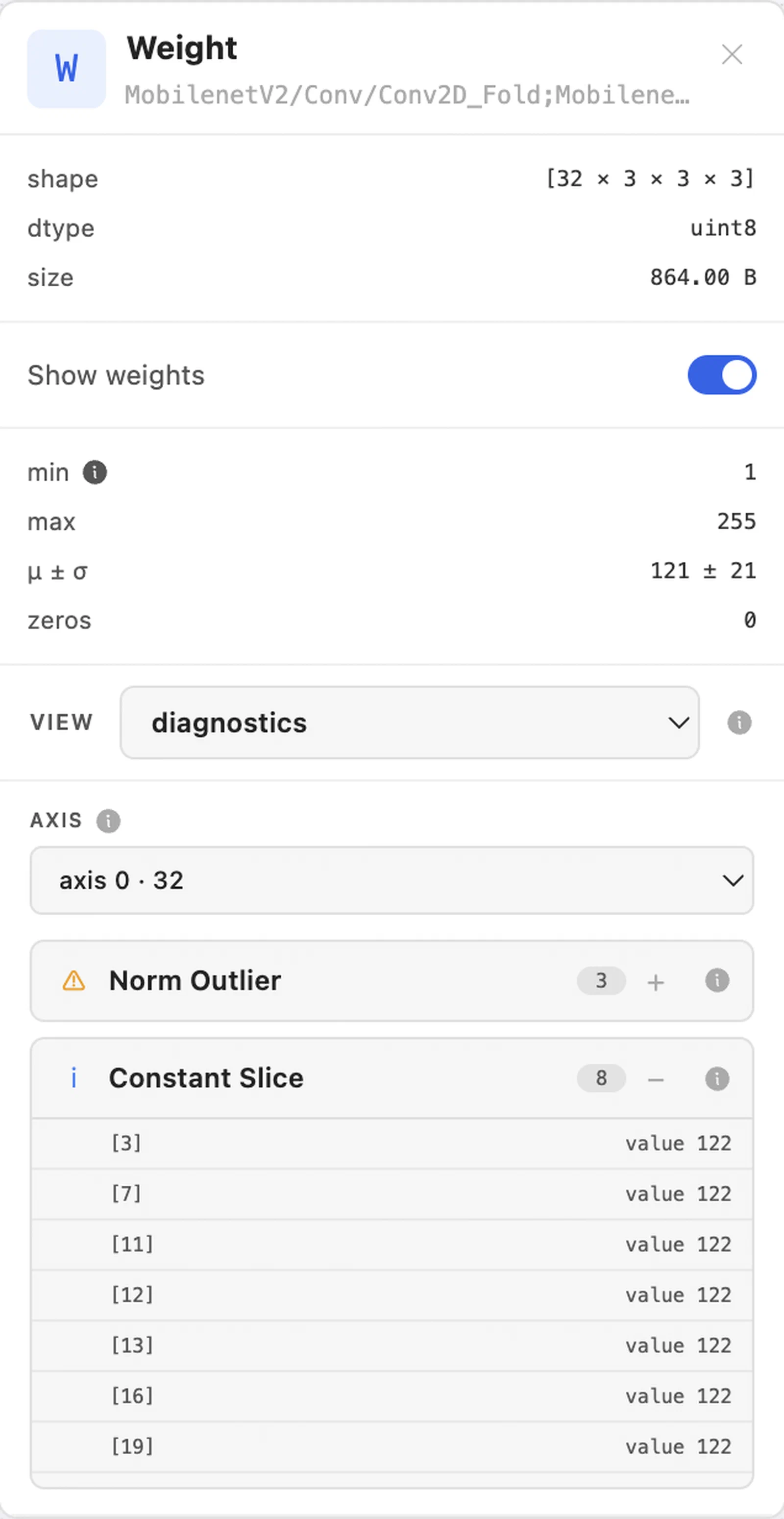
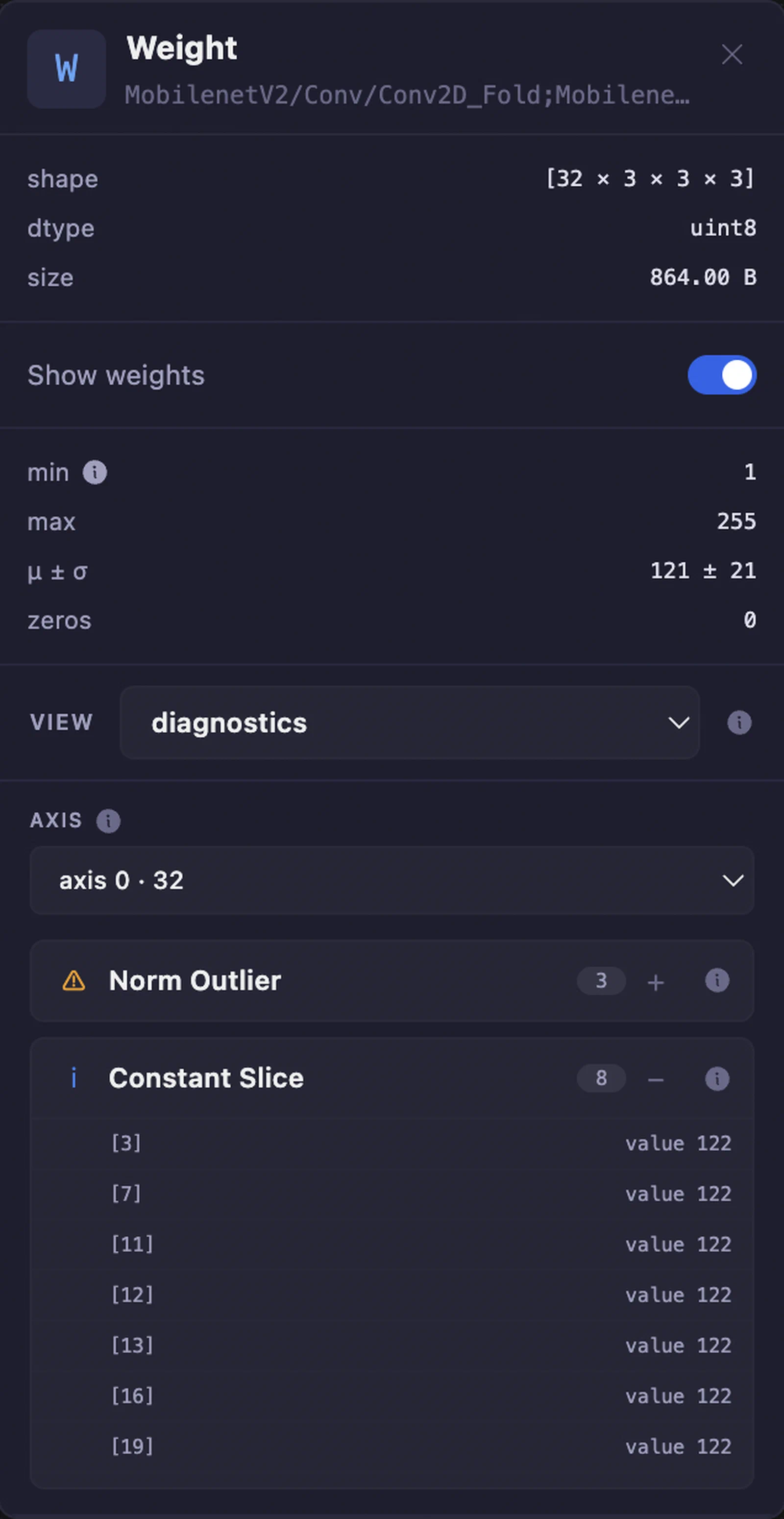
NodePropertyPanel renders WeightPanel for you. Render WeightPanel directly to choose which inspectors appear:
import { WeightPanel, MatrixInspector, SparsityInspector } from "@wetron/react";

<WeightPanel target={{ name: "conv1.weight", shape: [64, 3, 7, 7], dtype: "float32" }} graph={graph}>
  <MatrixInspector />
  <SparsityInspector />
  <RowNorms />
</WeightPanel>;
children replace DefaultWeightInspectors, and the view picker goes with them. The summary block above the picker is not part of children and stays either way. Omit children for the stock picker and all eight views.
| Prop | Type | Description |
|---|---|---|
target | { name: string; shape: readonly number[] | null; dtype: string | null } | Required. The tensor to decode. |
graph | ModelGraph | Required. Supplies the weight bytes and the tensor memory order. |
onBack | () => void | Shows a back arrow when provided. |
isDark | boolean | Theme for inspector colours. Default false. |
children | ReactNode | Replaces DefaultWeightInspectors. |
DefaultWeightInspectors takes selected and onSelected to drive the picker from your own state. Without them it keeps its own selection.
useWeightInspection() returns the decoded tensor of the enclosing WeightPanel. It throws outside one.
import { useWeightInspection } from "@wetron/react";

function RowNorms() {
  const inspection = useWeightInspection();
  if (inspection.status !== "ready") return null;
  const { tensor, numeric, stats, isDark } = inspection;
  return (
    <p style={{ color: isDark ? "#eee" : "#111" }}>
      {tensor.name}: {numeric.length} values, max {stats.max}
    </p>
  );
}
Check status before reading the tensor. values, numeric, and stats are null in every state except "ready", and each other state means the panel is already showing its own placeholder: deferred (the “Show weights” toggle is off), external (the checkpoint or external data file has not been attached), unsupported (the dtype has no decoder), unavailable (no bytes under that name). Returning null is the right response to all four.
The context value is
WeightInspectionData plus isDark. Every stock inspector reads it the same way and takes no props, so a stock inspector and your own can sit side by side and share the one decode.
type PanelTarget =
  | GraphNode
  | { graphValue: GraphValue; direction: "input" | "output" }
  | {
      edge: {
        tensorName: string;
        from: { opType: string; name: string };
        to: Array<{ opType: string; name: string }>;
      };
    }
  | { tensor: { name: string; shape: readonly number[] | null; dtype: string | null } };
Use isGraphNode(target) from @wetron/react to narrow to GraphNode.
Pass a ref to ModelGraphView to get imperative control:
const ref = useRef<ModelGraphViewHandle>(null);

type ModelGraphViewHandle = {
  fitAll: () => Promise<void>;
  getViewport: () => { x: number; y: number; zoom: number };
  setViewport: (vp: { x: number; y: number; zoom: number }) => void;
  getNodesBounds: () => { x: number; y: number; width: number; height: number };
  getViewportElement: () => HTMLElement | null;
};react ≥ 18react-dom ≥ 18@xyflow/react ≥ 12@phosphor-icons/react ≥ 2@base-ui/react ≥ 1